
If you're wondering how big Genshin Impact is in 2026, the short version is: bigger than a lot of players expect, and definitely big enough to plan around before you hit install. The exact number changes a lot depending on where you play, which voice packs you keep, and how many major patches your client has been carrying for months. After expanding from Mondstadt and Liyue all the way to Natlan and now Nod-Krai, HoYoverse's open-world RPG has reached a storage footprint that can rival plenty of full-priced AAA games. So if you're setting up a fresh install or trying to free space on an existing one, it really helps to know what is actually eating your storage and what you can safely trim.
How Big Is Genshin Impact by Platform
Genshin Impact's install size is pretty different from one platform to another, and the gap between the listed download size and the real installed size still catches people off guard. On PC, the game now usually lands around 65–75 GB, depending on your graphics setup and language files. The launcher also needs another 5–10 GB of temporary space while patching. On mobile, Android players generally end up at 25–35 GB once all required resource packs finish downloading, while iOS tends to be a bit lighter at 22–30 GB thanks to Apple's App Thinning. Over on PS5, the game usually takes about 45–55 GB, with console-tuned assets and dual audio included.
That download-versus-installed difference matters more than it sounds. On PC, the launcher itself is tiny at first, just a few hundred megabytes, but after it starts pulling the full game data in stages, the total can push past 70 GB once shaders are compiled and language packs are in place. Android works in a similar way: the Play Store page may show a very small initial app size, but the OBB and post-launch resource downloads are what really blow up the total footprint.
Patch overhead is the other thing you absolutely need to account for. During a major update, which usually arrives every six weeks, the launcher can temporarily hold both old and new asset bundles at the same time. In practice, that means you want another 10–15 GB of free space beyond the current install before starting a big patch, especially on PC. A good rule is to keep 20 GB free on PC and 10 GB free on mobile so you don't run into failed installs, corrupted caches, or launcher errors halfway through.
| Platform | Installed Size (2026) | Recommended Free Space Before Patching |
|---|---|---|
| PC (all voice packs) | 65–75 GB | 85–90 GB total available |
| Android | 25–35 GB | 45 GB total available |
| iOS | 22–30 GB | 40 GB total available |
| PS5 | 45–55 GB | 65 GB total available |
Genshin Impact Storage Breakdown
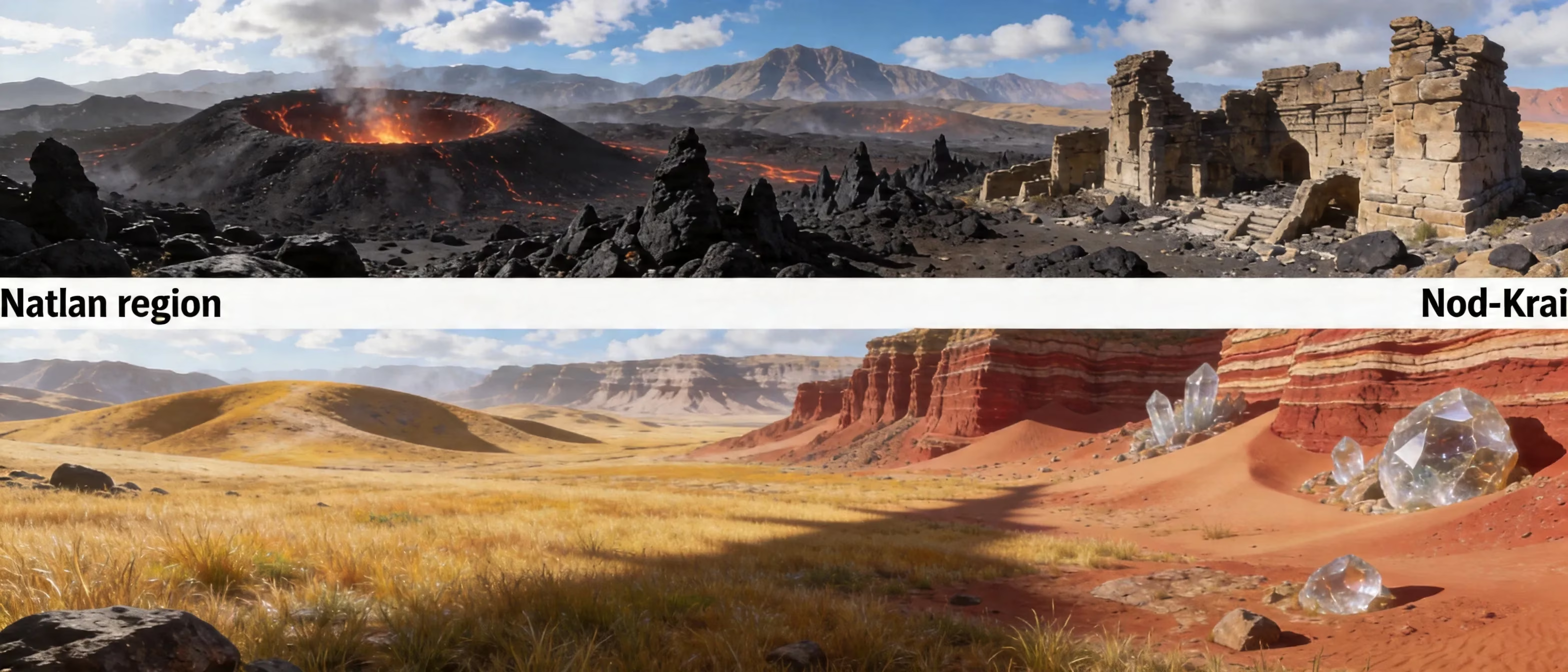
Once you look at what is actually inside the install, the size starts making a lot more sense. Map and region assets are one of the biggest chunks by far. Every nation in Teyvat brings in streaming terrain data, collision geometry, environmental detail layers, and all the placement data for interactive objects. Natlan and Nod-Krai especially pushed this further with volcanic zones, frozen tundra, custom weather shaders, and destructible environmental elements that are much heavier than what we saw in earlier areas like Mondstadt.
Then you have voice packs and cutscene files, which take up a massive amount of room on their own. Genshin offers full voice-over in five languages: English, Chinese, Japanese, Korean, and Spanish. Each pack is roughly 3–5 GB, so if you keep all five installed, you're looking at 15–20 GB of audio data alone. Story cutscenes add even more, especially the longer archon quest scenes tied to Nod-Krai, with individual video files ranging anywhere from 50 MB to over 300 MB. The original soundtrack also adds up over time, since the game now includes high-bitrate ambient and combat tracks across seven fully released nations.
The last piece is shader cache and temporary data, and this is where long-running installs quietly get bloated. On PC, shader compilation creates GPU-specific files in AppData, and those can grow to 3–6 GB, especially after driver updates or hardware changes. On Android, cached texture fragments and event UI files tend to pile up in the app data partition without much warning. Major patches can also leave behind old delta files and half-used update fragments, and on an older install that can mean another 2–4 GB of storage being wasted for no real reason.
Why Genshin Impact Is So Big in 2026
The biggest reason Genshin has grown this much is simple: the world is way bigger now. Going from Natlan's lava-carved underground areas to Nod-Krai's frozen plateaus added roughly 20 GB to the base install compared to where the game was around version 4.0. And these regions are not just extra map squares. Each one comes with new enemy sets, boss arenas, physics interactions, environmental systems, and region-specific elemental VFX that older zones can't really reuse.
Cross-platform asset bundling makes the size problem even worse. HoYoverse is shipping one client that has to work on everything from lower-end Android phones to high-refresh PC setups. Instead of delivering only the exact assets your device tier needs, the client includes multiple texture resolutions for key assets in the same install folder. That approach keeps loading behavior more consistent across devices, but it also means the total install is larger than what your hardware will ever fully use.
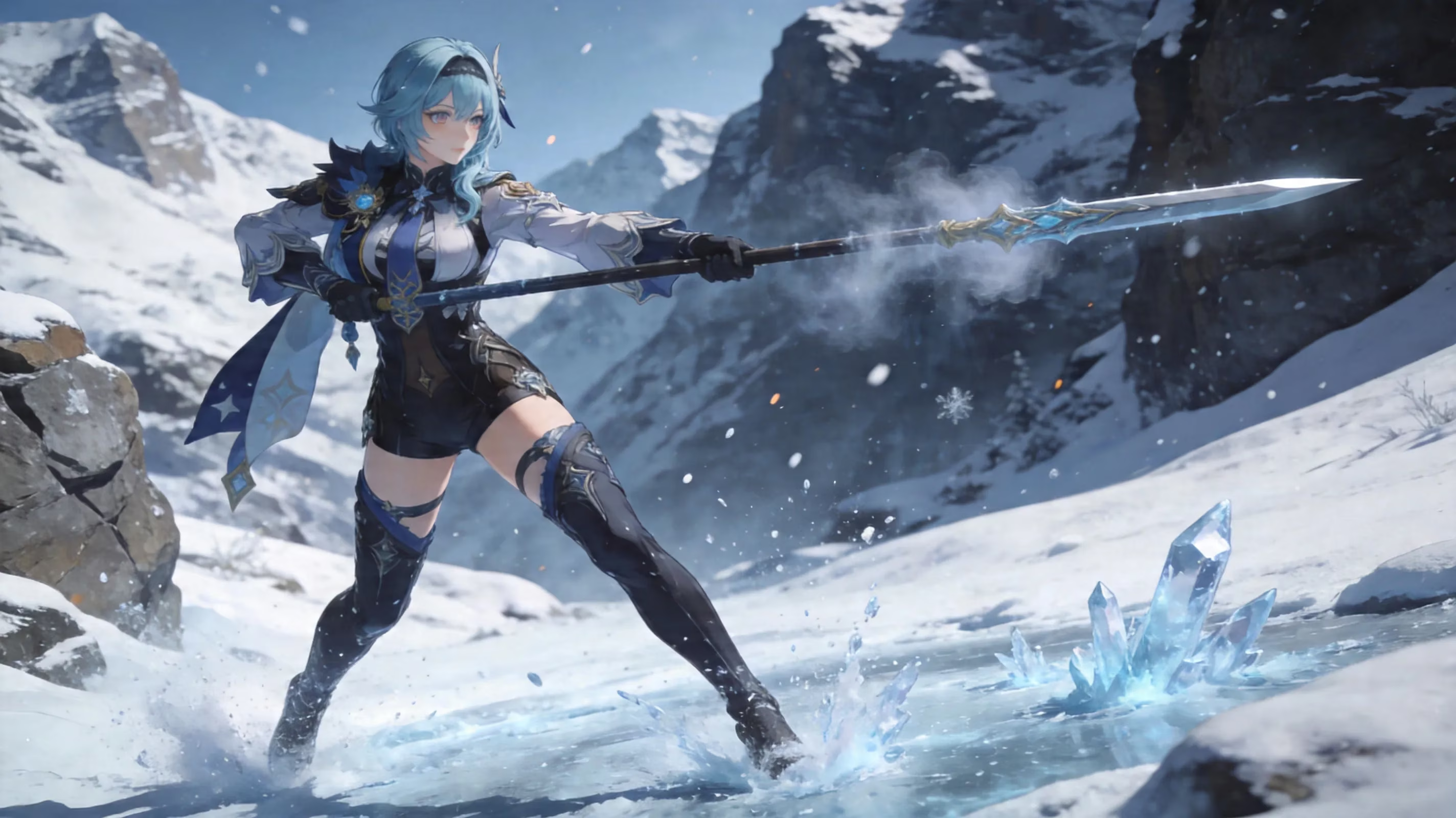
There's also the fact that HoYoverse clearly does not want to compromise on texture quality and VFX fidelity. Nod-Krai character models, for example, use layered cloth simulation, frost buildup shaders, and more advanced elemental particle effects that need their own texture atlases on the GPU side. Add in a roster of 200+ playable and NPC characters, costume variants, weapon attachments, and unique burst cinematics, and the asset count starts snowballing fast.
The other major factor is the live-service update model. Genshin doesn't really retire old content in the way some other games do. Assets from version 1.0 still sit on disk alongside content from version 7.0, and that includes legacy audio, event resources, old UI themes, and compatibility files. HoYoverse has generally favored backward compatibility and smooth patching over aggressive storage cleanup, which is great for stability but not exactly kind to your SSD.
How to Reduce Genshin Impact Size
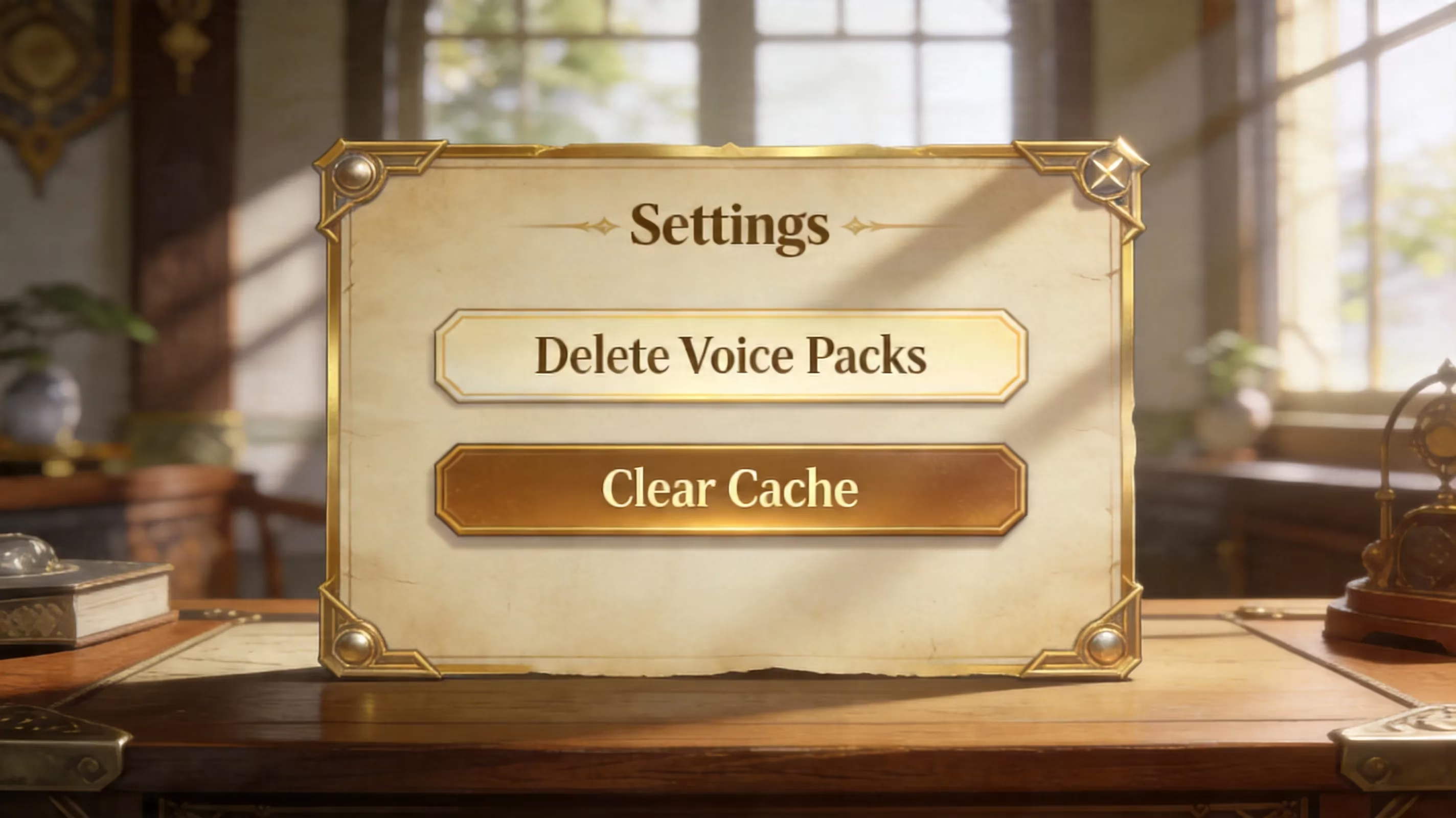
If you want the biggest storage win immediately, start by deleting voice packs you do not use. Go to Settings → Audio → Voice Language and remove everything except your preferred dub. On a fully loaded install, that can free up 10–20 GB, which is easily the most effective cleanup step available without reinstalling the whole game. Honestly, this is the first thing you should check if you installed multiple languages once and forgot about them.
Clearing cache is also safe, and it's worth doing after every major version update. On Android, the path is Settings → Apps → Genshin Impact → Storage → Clear Cache. On PC, you can clear the shader cache under AppData\Local\GenshinImpact and remove files from the StreamingAssets\Temp folder inside the game directory. That won't touch your account or progress, since all of that is server-side, and the game will rebuild what it actually needs the next time you launch. On iPhone, using "Offload App" in iPhone Storage works in a similar way by removing cached runtime data while keeping account-linked information intact.
A clean reinstall is still the most thorough fix, especially if you've gone through five or more major patches on the same install. It wipes out leftover patch fragments, outdated bundles, and messy OBB structures that the game sometimes fails to clean on its own. Just make sure your HoYoverse account is linked before uninstalling. On PC, it's also smart to choose only the voice language you actually need during setup so the launcher doesn't pull every audio pack again by default.
A few platform-specific notes are worth keeping in mind:
-
PC: Try the launcher's repair function before doing a full reinstall. Sometimes it catches corrupted or duplicated files and clears them without forcing a full redownload.
-
Mobile: Avoid installing or moving Genshin to an SD card. Even decent UHS-I cards are too slow for the game's streaming-heavy asset loading, and that usually leads to pop-in, stutters, or outright loading hangs.
-
PS5: Your cleanup options are more limited, so it mostly comes down to managing system storage and making sure rest-mode downloads do not fill the drive before you log in.
Best Device Storage for Genshin Impact
A 64 GB device is basically on the edge for Genshin in 2026. Once the operating system takes its 10–15 GB on Android or iPhone, and the game itself wants 25–35 GB, you're left juggling a very small amount of free space. That usually means constantly deleting apps, photos, or videos just to keep patches working. Technically playable? Yes. Comfortable? Not really.
128 GB is the real minimum if you want a smoother long-term experience on mobile. It gives you enough breathing room for the game, the OS, patch overhead, and your normal day-to-day files without turning storage management into a weekly chore. On PC, a 128 GB SSD can work if it's mostly dedicated to Genshin and a few essentials, but a 256 GB NVMe SSD is the much more comfortable setup if you want faster loading and less micromanagement.
The difference between SSD and HDD is also very noticeable. On a SATA SSD, zone transitions and initial loading in places like Natlan and Nod-Krai can finish in roughly 2–4 seconds. On a mechanical HDD, those same loads can stretch to 15–25 seconds because random read performance is just much worse. On mobile, newer internal storage standards like UFS 3.1 and UFS 4.0 make open-world traversal feel a lot smoother than older eMMC-based devices, mainly because Genshin's streaming system is extremely sensitive to read latency.
One thing players sometimes overlook is how storage and heat affect each other on phones. When your internal storage is nearly full, write amplification on NAND flash gets worse, and that can push temperatures up during longer play sessions. Keeping around 15–20% of total storage free helps reduce that pressure. If your device is really cramped, cloud gaming through services like GeForce NOW or Xbox Cloud Gaming is a legitimate workaround since it removes local storage needs almost entirely. The trade-off, of course, is input latency, which can be pretty noticeable in faster combat.
Genshin Impact Storage FAQ
Mobile size questions
Android vs iPhone size: Android installs are usually 2–5 GB larger than iPhone installs when both use the same voice pack setup. The main reason is App Thinning on iOS, which strips out assets your device doesn't need before download. Android has to support a much wider hardware range, so it tends to carry broader compatibility layers.
Offload app, keep account: Yes, on iOS you can use Offload App through Settings → General → iPhone Storage → Genshin Impact → Offload App. This removes the executable and cached assets but keeps the documents folder and account linkage. When you reinstall, the app comes back without needing a brand-new HoYoverse login, as long as your account was already linked properly.
SD card limitations: Genshin Impact is not a good fit for SD card storage on Android. Even high-speed UHS-II cards fall short of internal UFS storage when it comes to the random reads the game needs for streaming assets. In actual play, that can mean textures loading late, crashes during fast travel, or freezing when entering new zones. SD cards are fine for media storage, but not for a live-service RPG this heavy.
PC and console questions
External drive viability: On PC, an external SSD connected over USB 3.2 Gen 2 or Thunderbolt 3/4 works surprisingly well and can deliver loading times close to an internal SATA SSD. External HDDs over standard USB 3.0, though, still suffer from the same latency problems as internal hard drives. Since the HoYoverse launcher supports custom install paths, an external NVMe enclosure is actually a pretty practical option if your main drive is packed.
Why the launcher needs extra space: The PC launcher keeps a staging area for incoming patch files, a verification cache, and a rollback buffer for the previous version. Put together, that can require 8–12 GB of extra free space on top of the game's installed size while patching is in progress. Most of that gets cleaned automatically once the update finishes and the integrity check passes, but the free space has to be there before the download starts or the whole process can stop.
Reinstall after major patches: Doing a clean reinstall after the biggest content drops, especially the two or three major region-expansion patches each year, is one of the easiest ways to avoid long-term storage bloat. If you've been patching the same client since version 1.x, a fresh install of the current version can end up being 5–10 GB smaller than your old one. That's mostly because the newest installer uses cleaner asset packaging than years of stacked delta patches.
Conclusion
So, how big is Genshin Impact in 2026? Right now, you're generally looking at 65–75 GB on PC, 25–35 GB on Android, 22–30 GB on iOS, and 45–55 GB on PS5. And realistically, those numbers are only going one way as HoYoverse keeps adding new regions, quests, characters, and visual upgrades.
If you want the best cleanup priority list, keep it simple: remove unused voice packs first, do a clean reinstall if your client is several major versions old, and clear shader or temp cache after big patches. Players stuck on 64 GB phones should seriously think about whether cloud gaming is the less painful option.
For a smoother Teyvat setup going deeper into 2026, the sweet spot is pretty clear: 128 GB minimum on mobile with only one voice pack installed, a 256 GB SSD on PC, and at least 20 GB of free space before every major update. That gives you enough breathing room to explore everything from Mondstadt to Nod-Krai without fighting your storage every patch cycle.